

One task, from ticket to merge request
Screens of the Mergehand app on a demo project: a rounding bug in a shop checkout, from the ticket to a draft merge request. You decide twice – nothing is pushed before your approval.
The recording has no sound. The same steps follow below as screens you can read.
The eight steps
Start from a ticket
Enter the issue ID from your tracker. Mergehand downloads the issue, its comments and attachments, and the task appears in the list with everything else that is waiting for you, running or waiting for a merge.
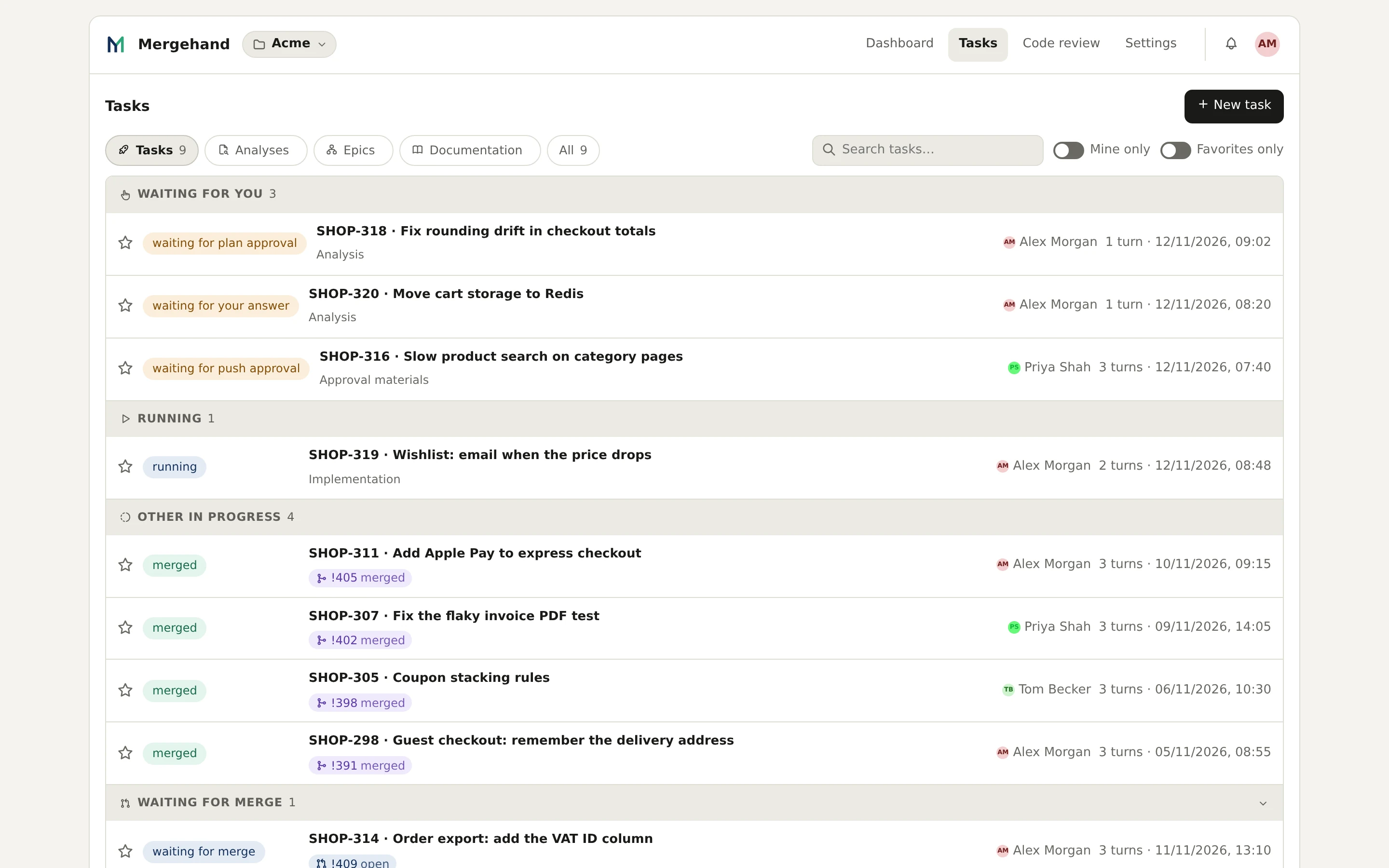
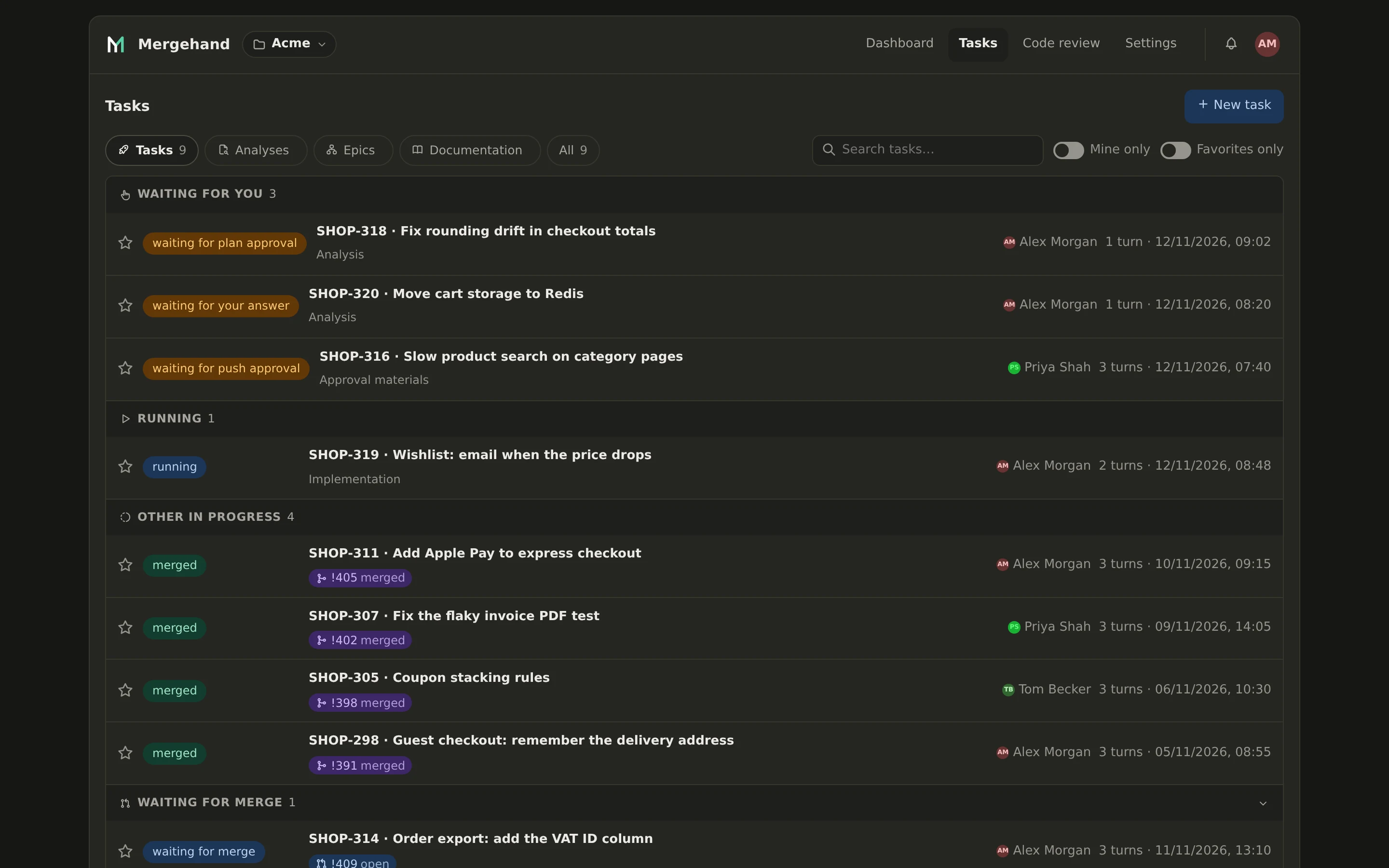
The agent writes a plan
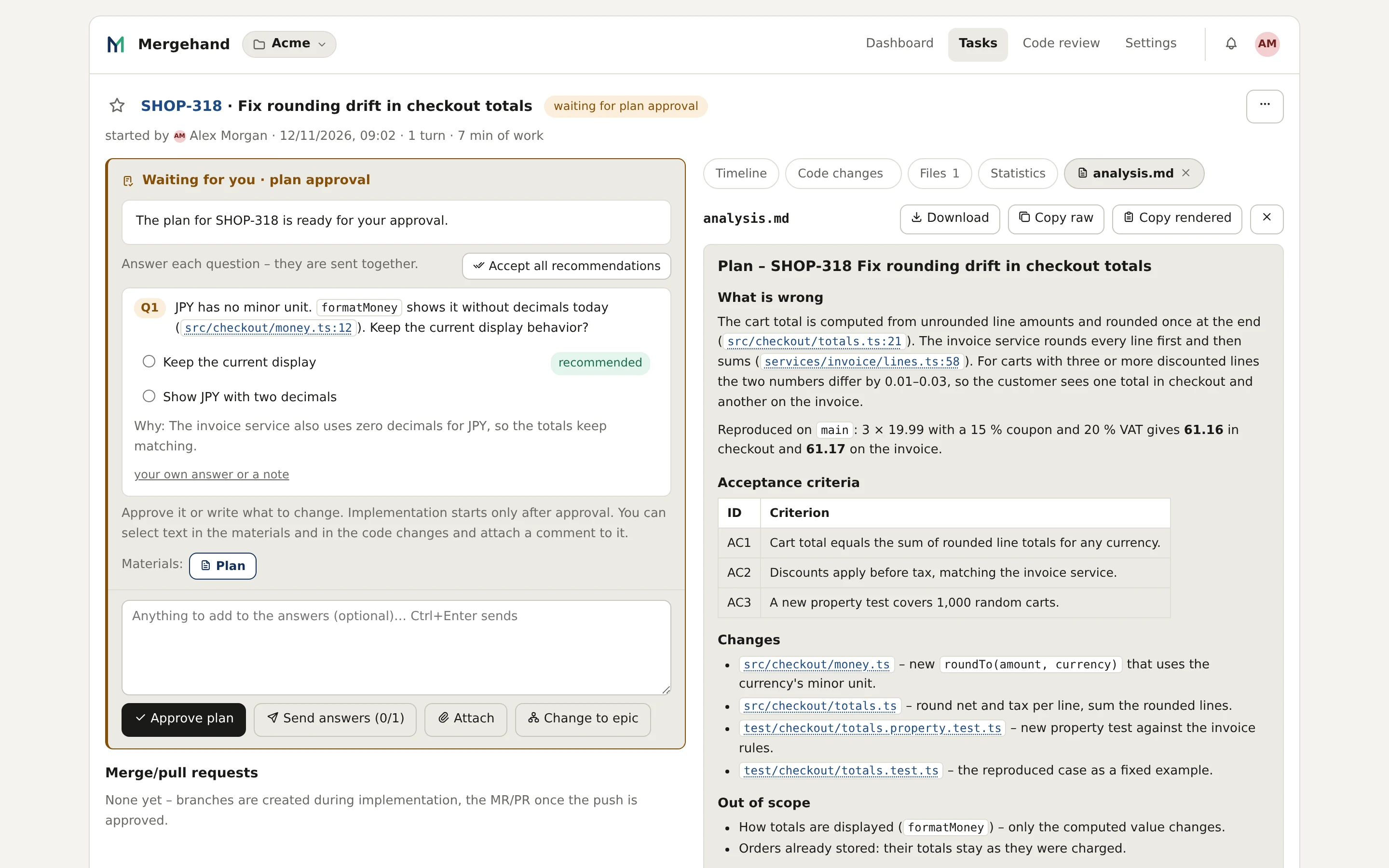
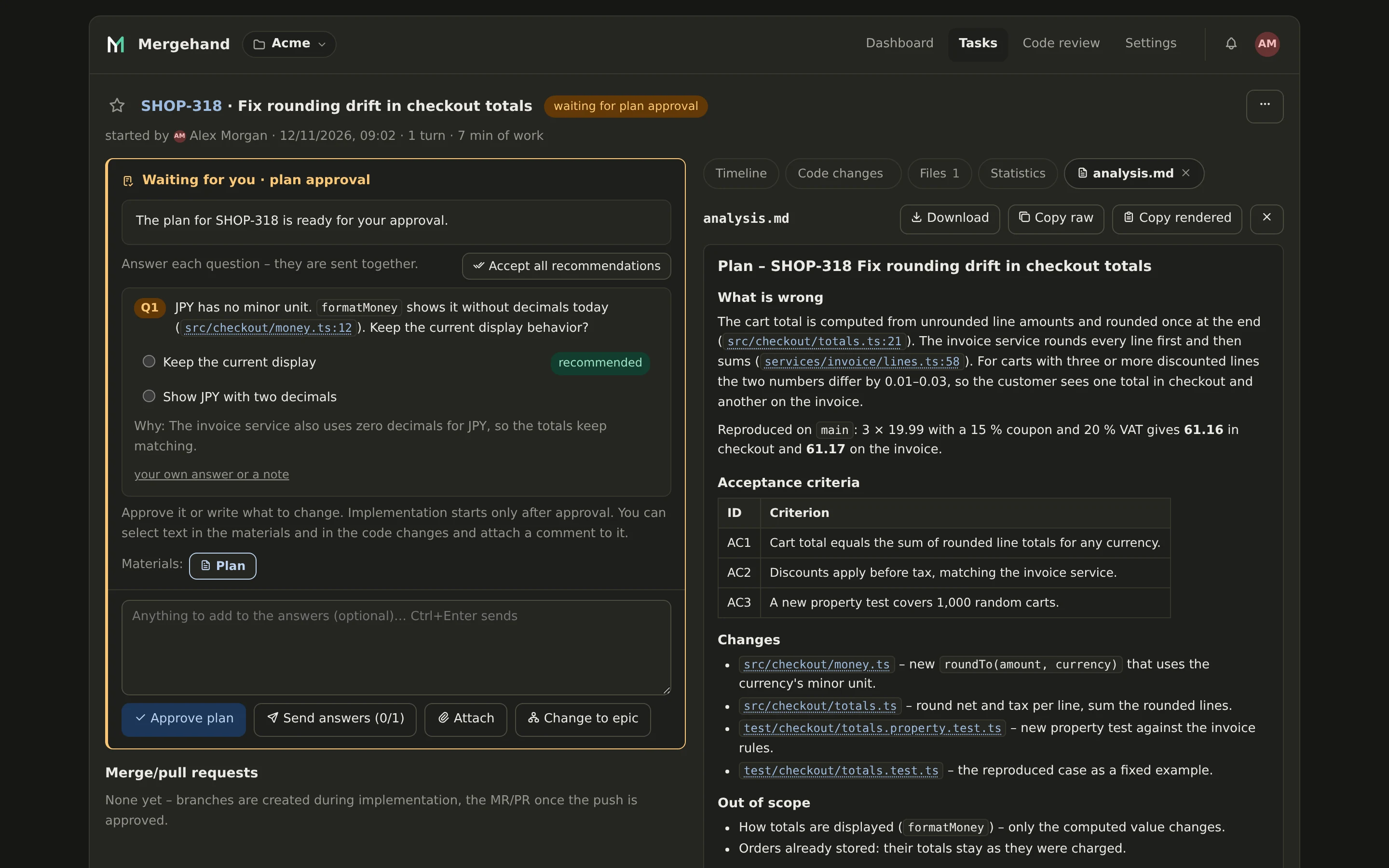
It reads the code on your runner, reproduces the problem and writes what is wrong, numbered acceptance criteria, the files it will change and what stays out of scope. Open questions come to you as a form.
You approve the plan
Answer the questions, ask for changes, or approve. No code is written before your yes. Silence is never taken as approval.
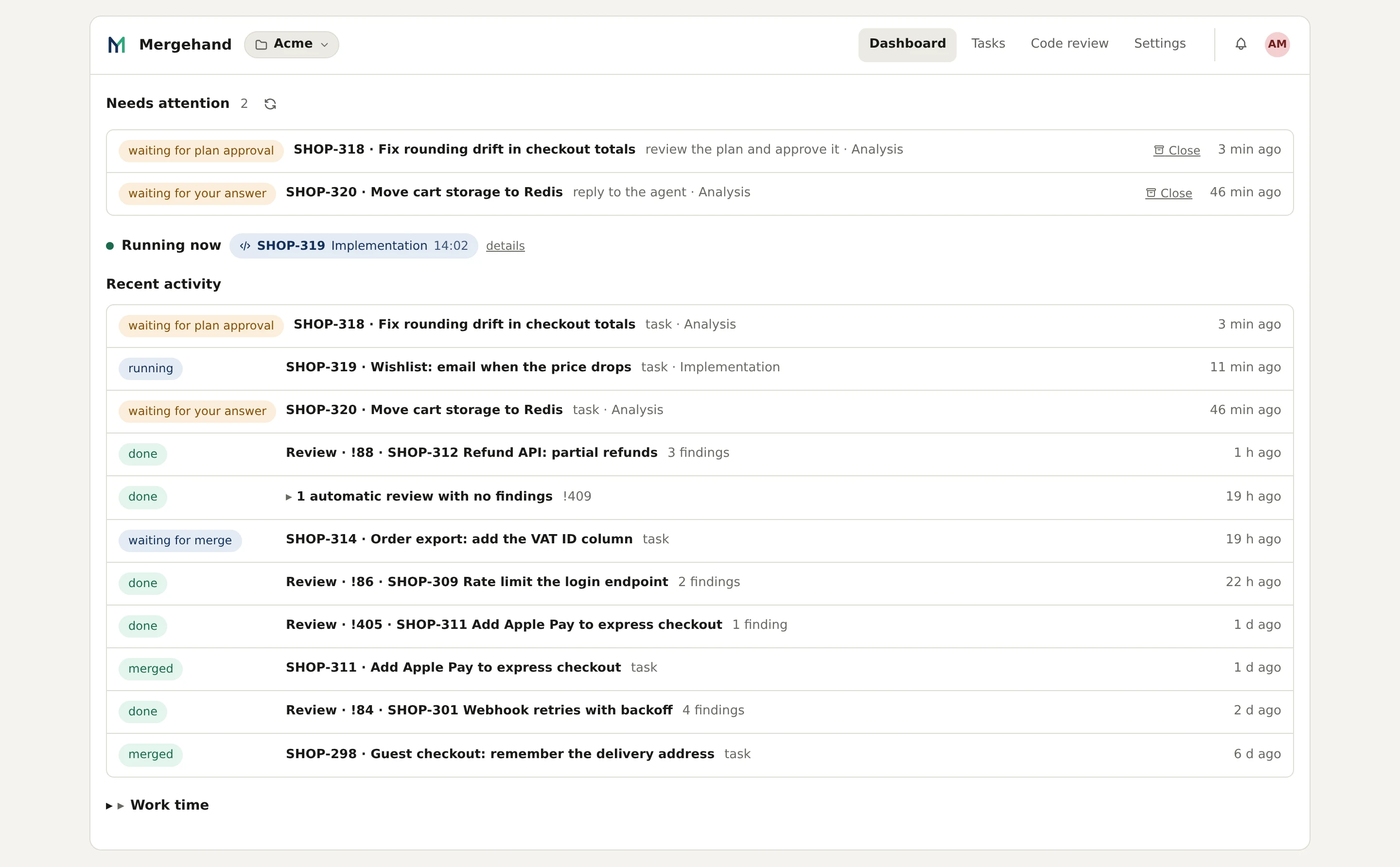
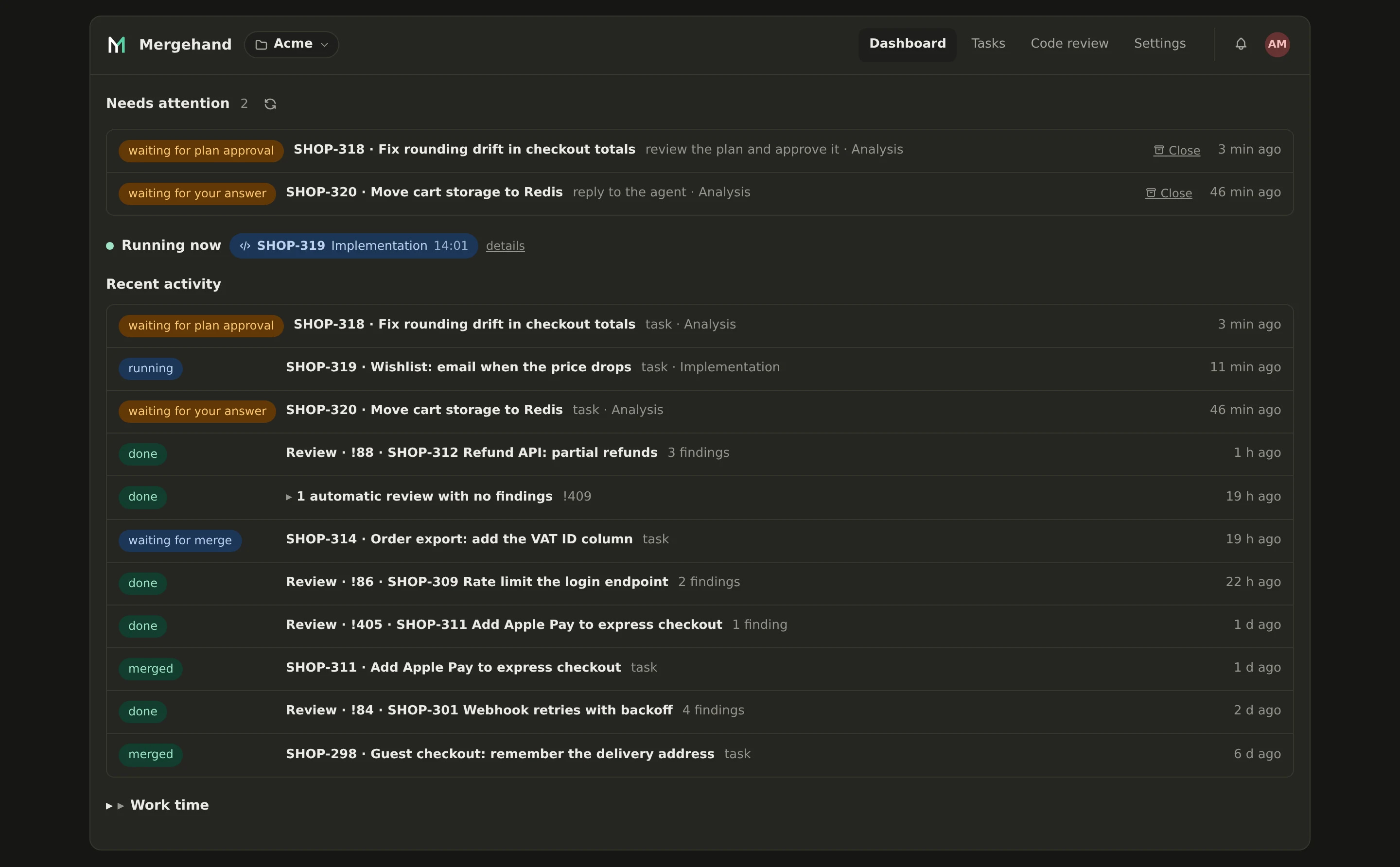
Implementation
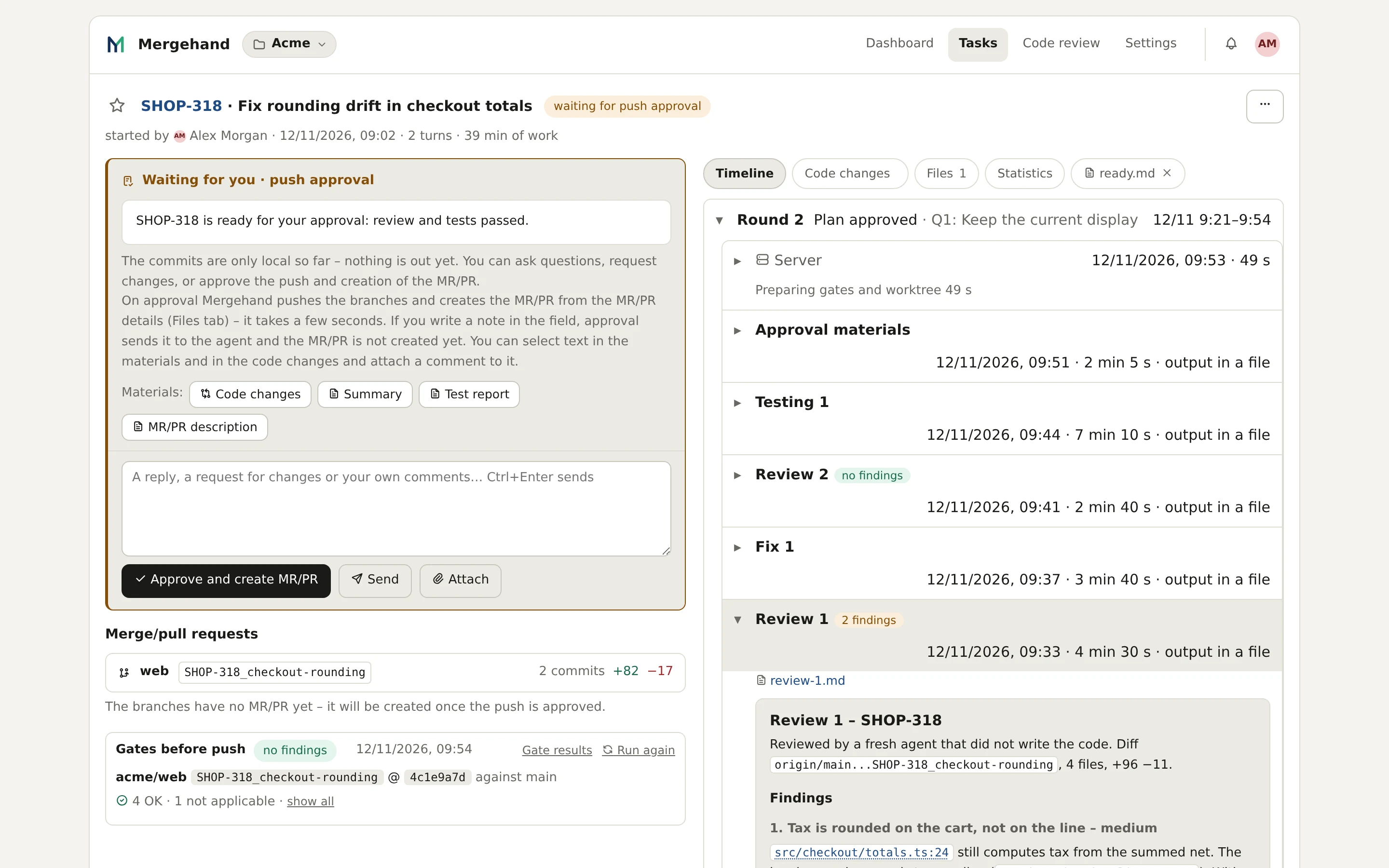
The agent works in a separate working copy and runs the checks your repository already defines. The timeline shows which step is running and how long each one took.
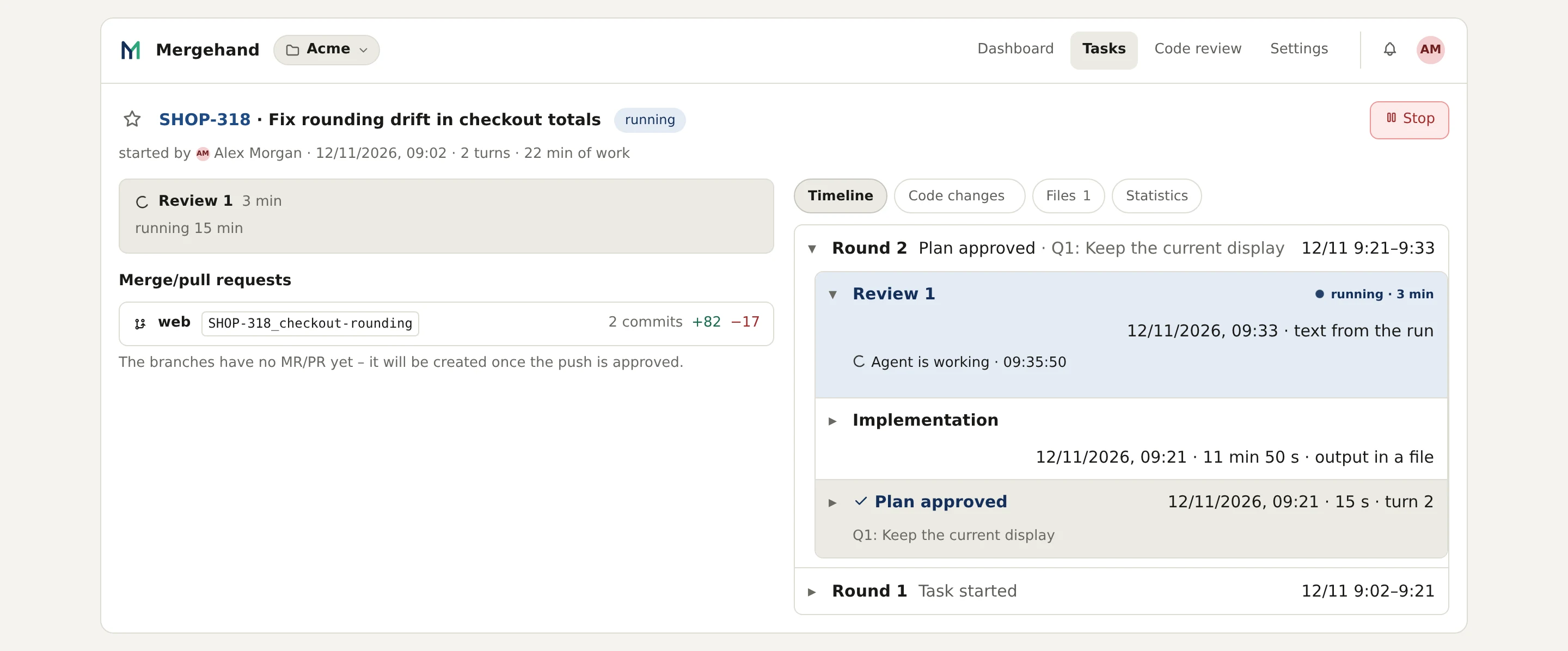
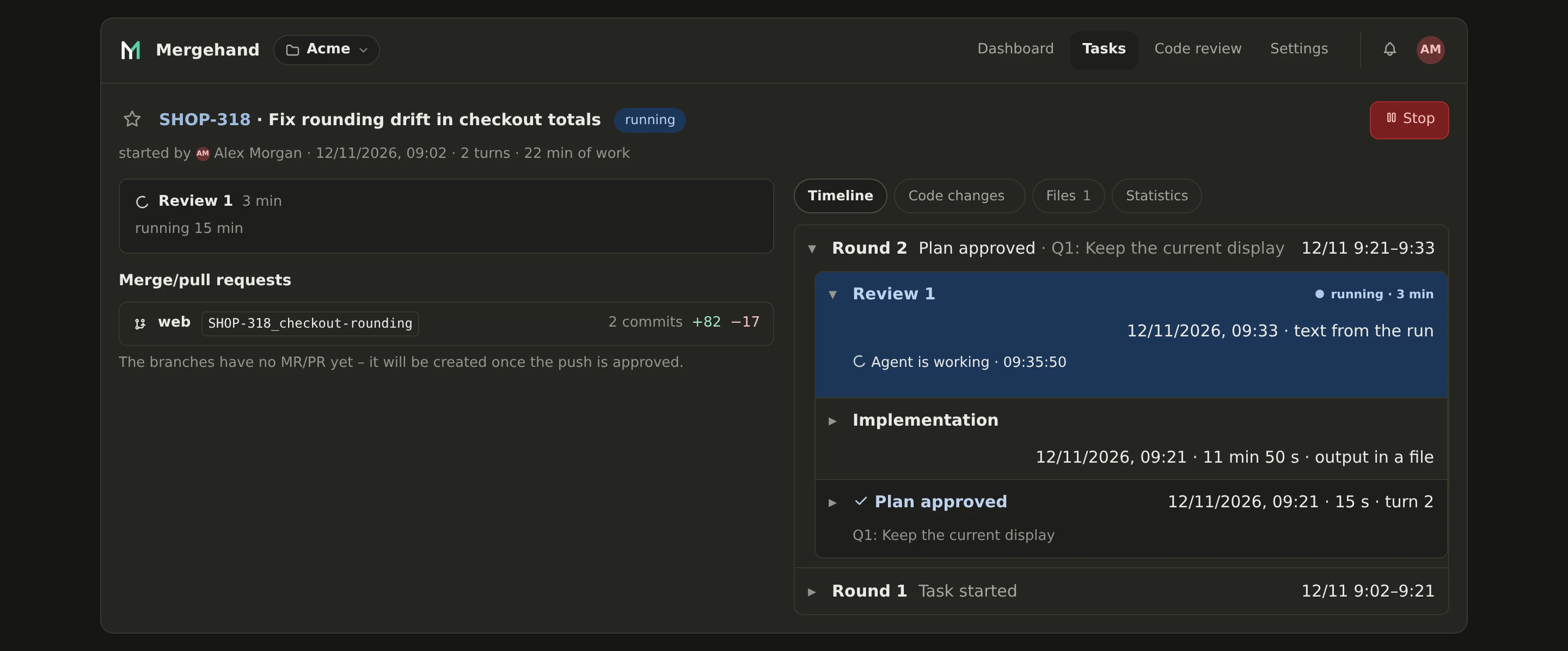
Independent review
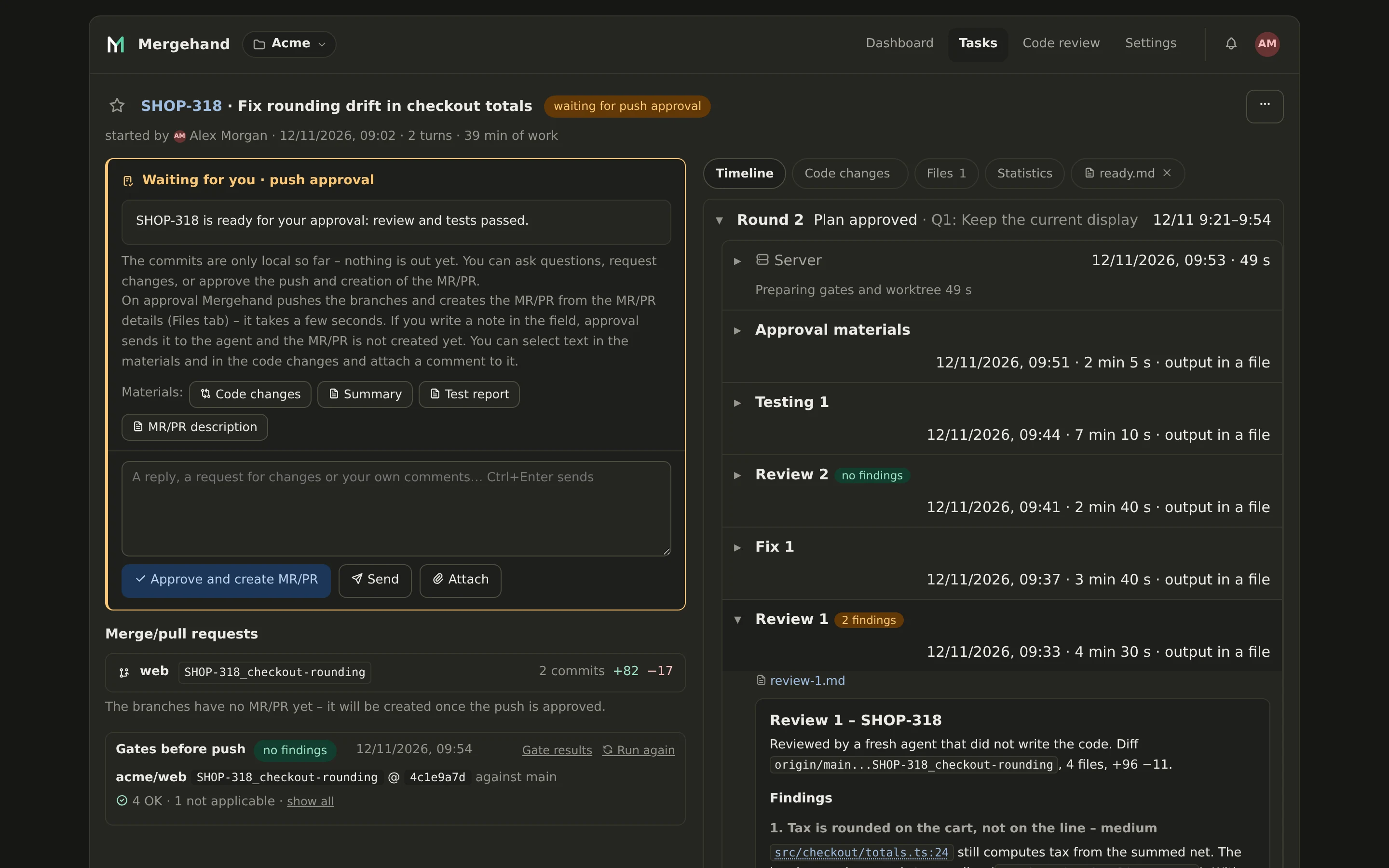
A fresh agent that did not write the code reviews the diff. Findings go back for a fix, and the next pass checks the fix. Here the first pass found two issues, the second none.
Testing
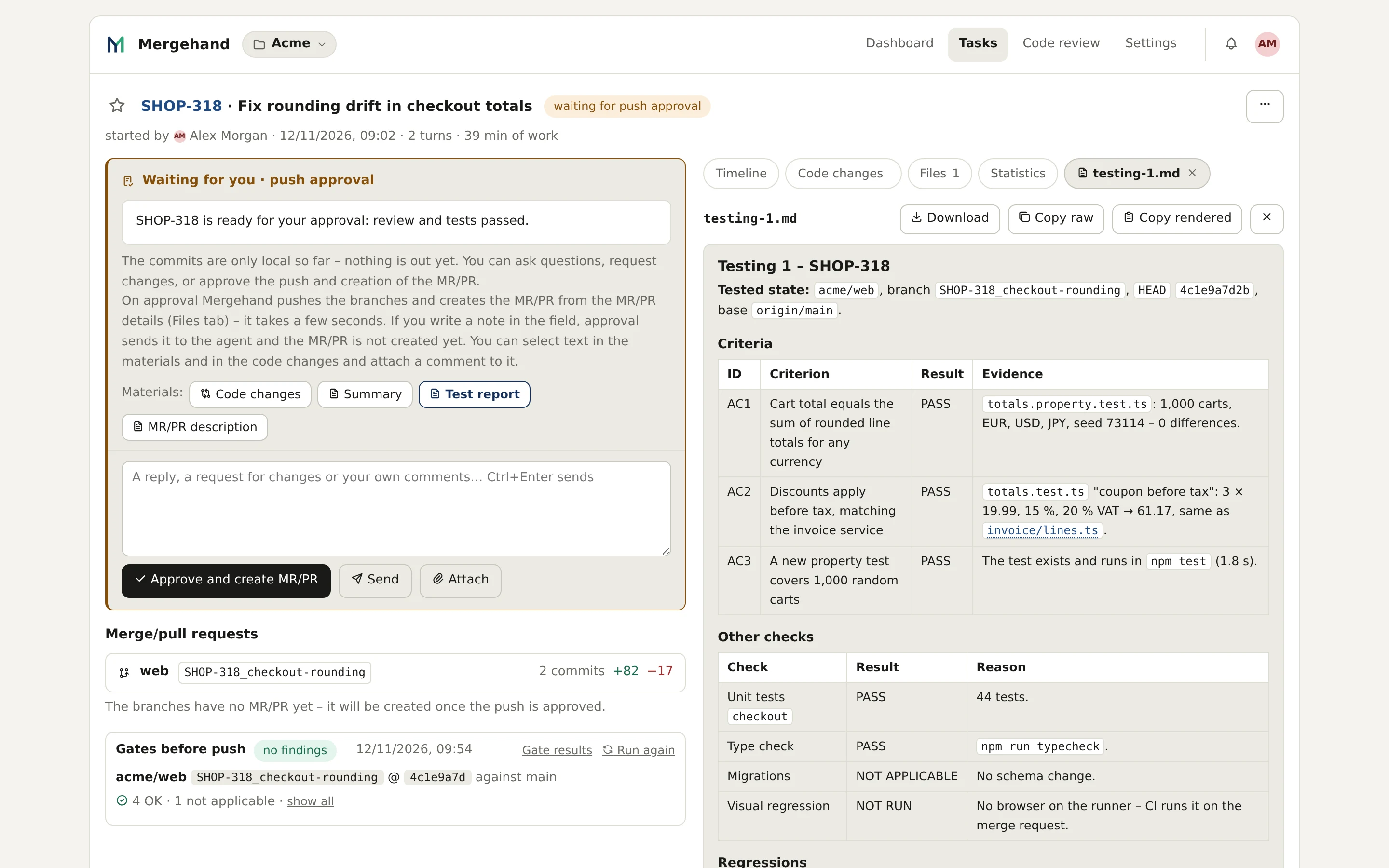
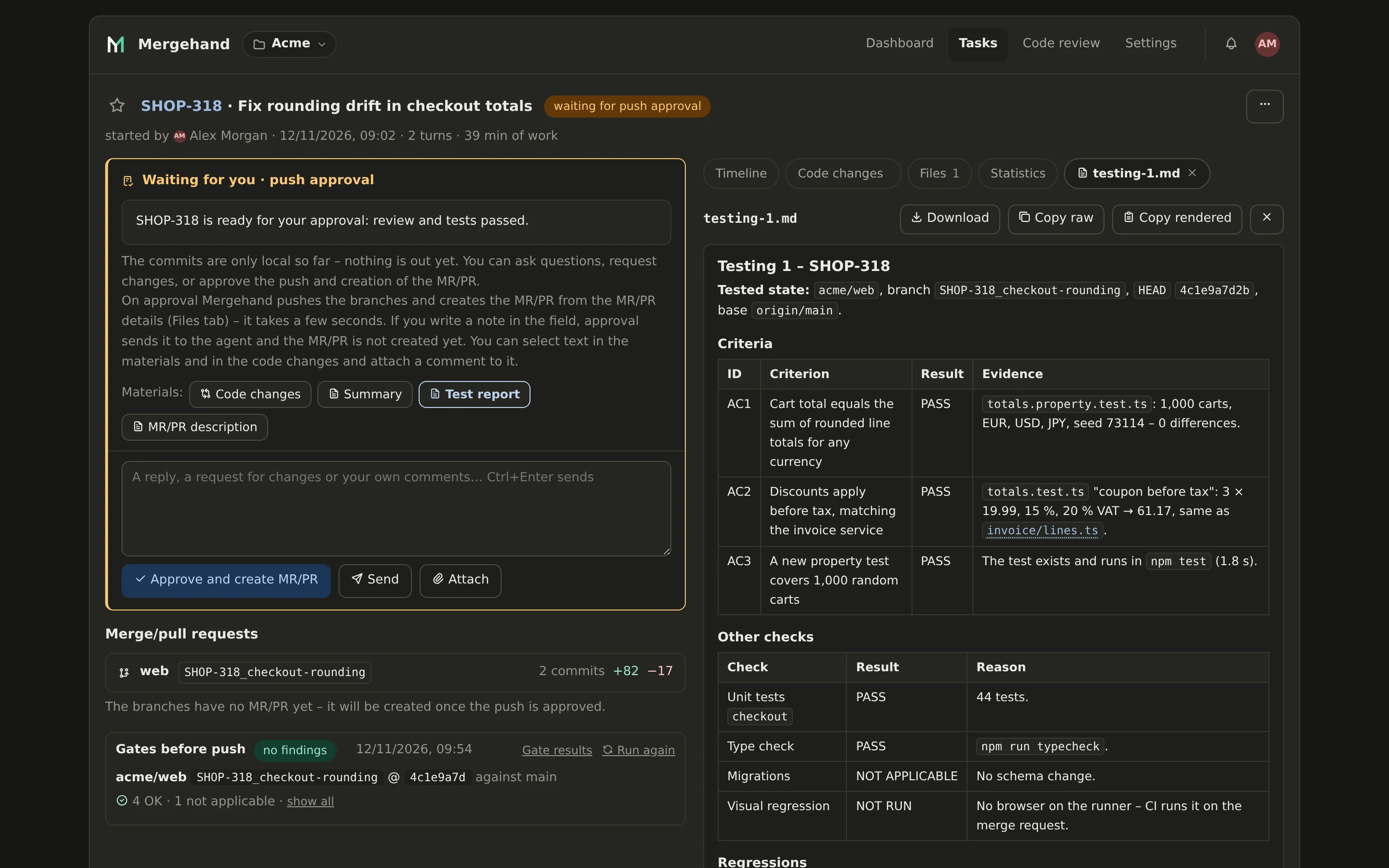
Every acceptance criterion is tested one by one, with the evidence next to it. A check that could not run is reported as not run, with the reason – it is never shown as green.
You approve the result
You see the summary, the test report, the commits and the full diff. The commits are still only local. You approve the push, ask a question, or send it back.
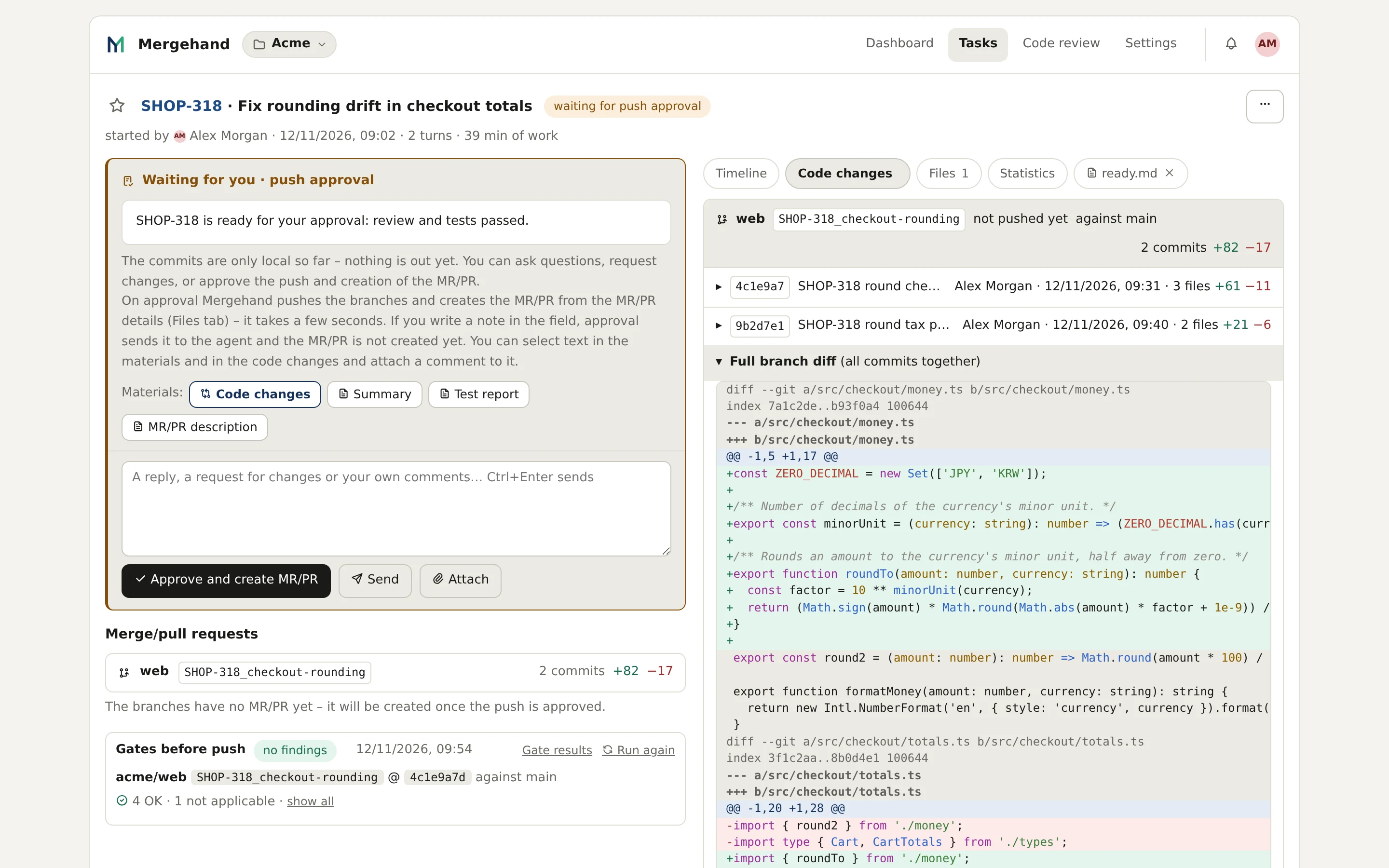
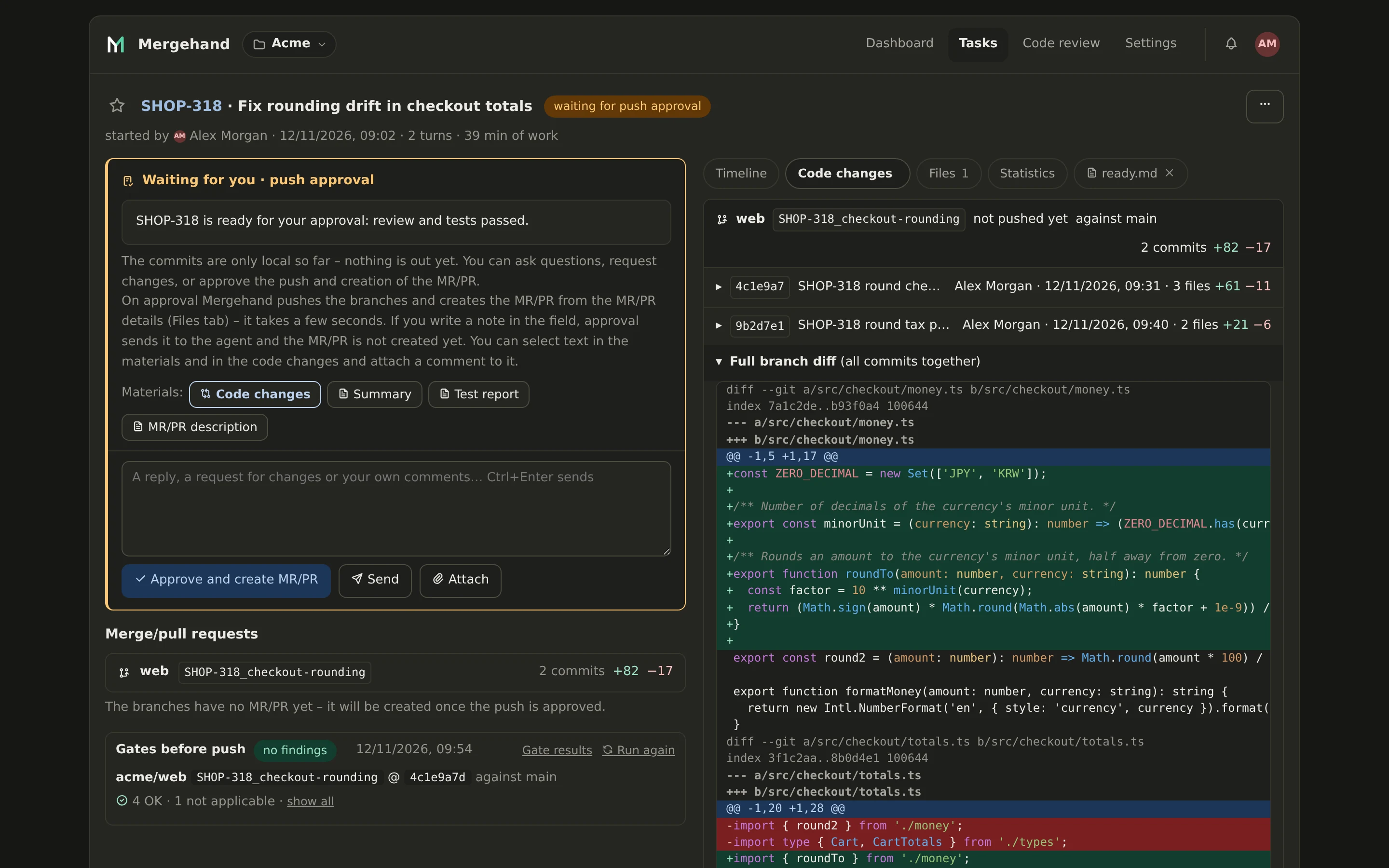
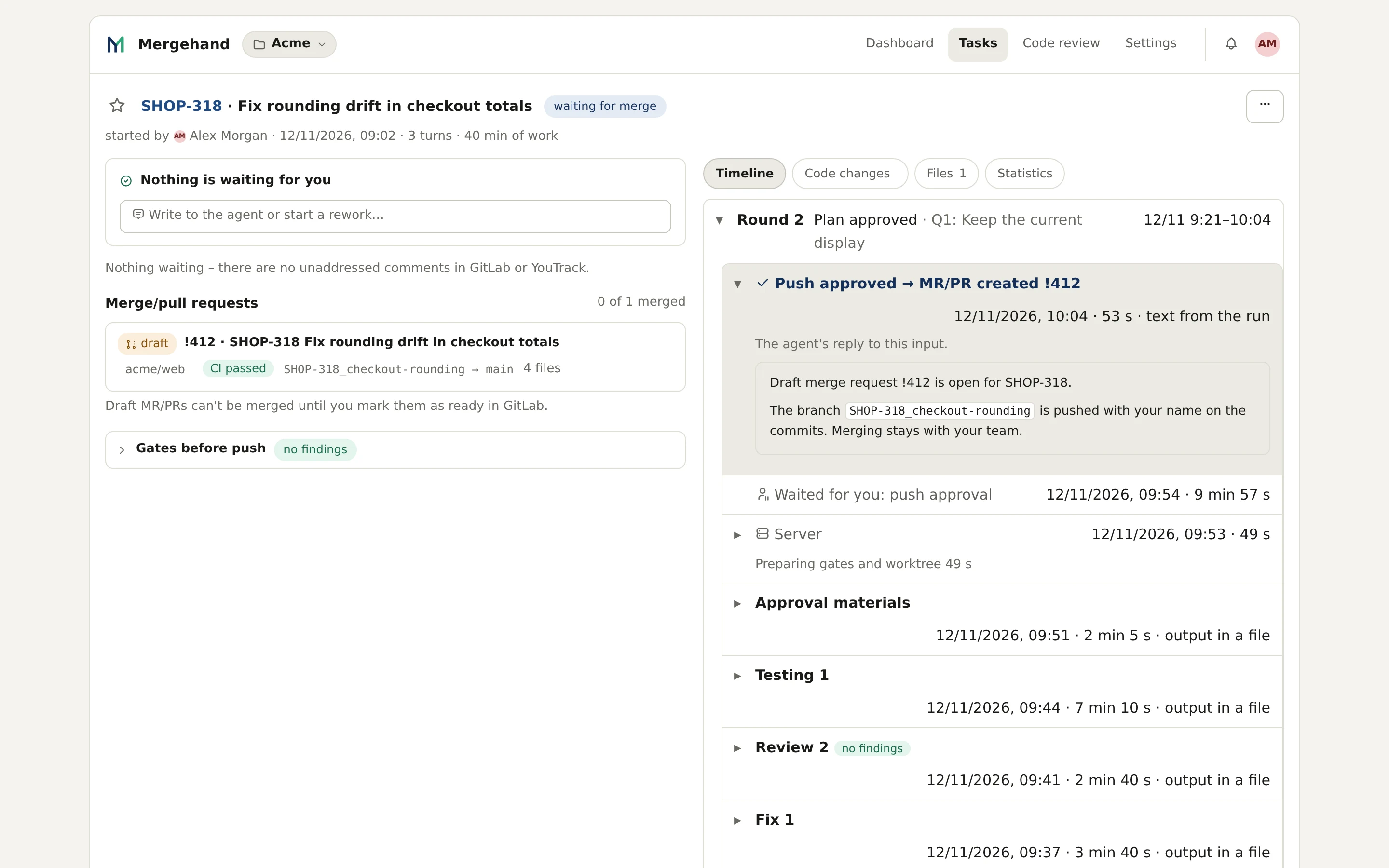
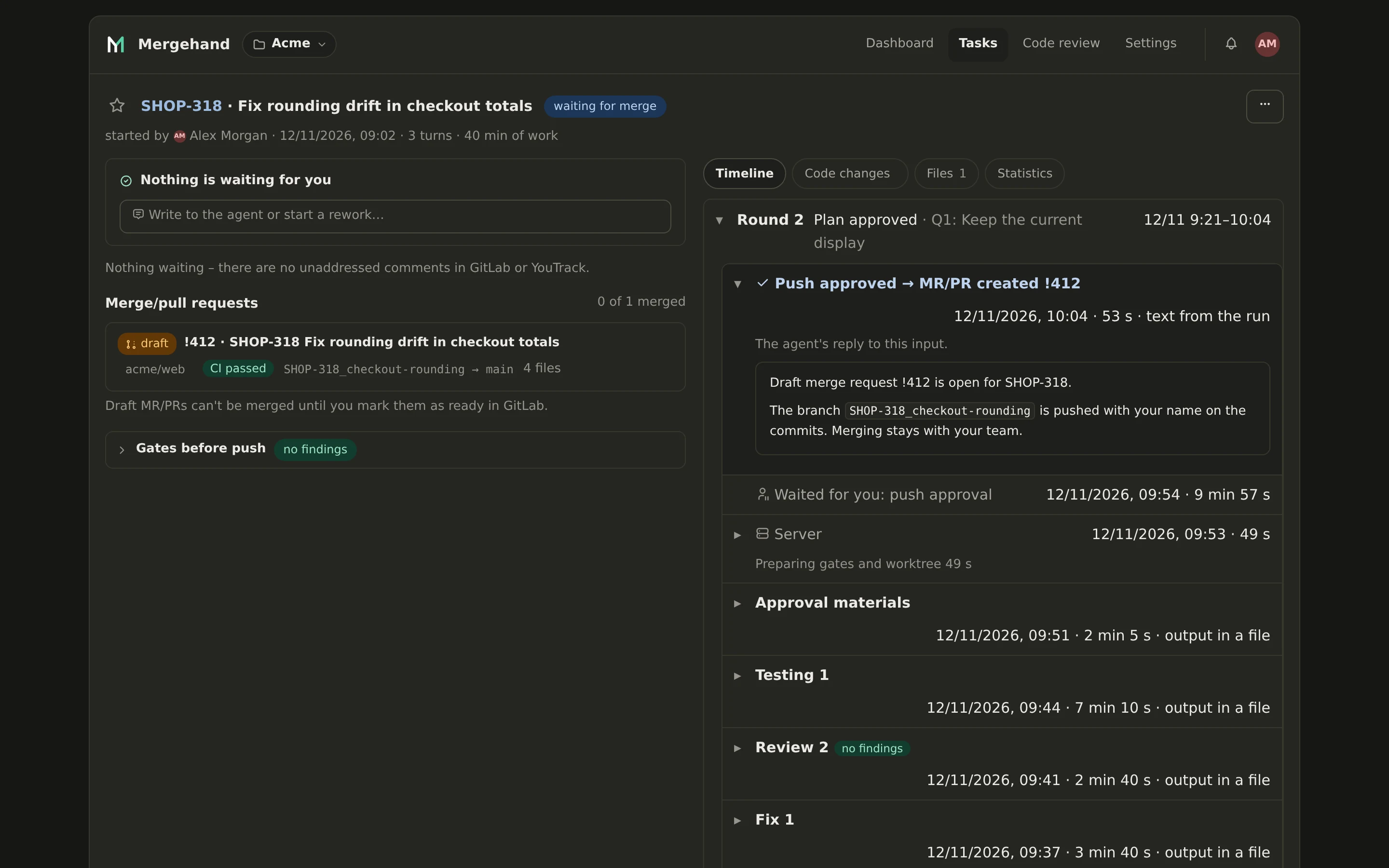
Draft merge request
Mergehand pushes the branch and opens a draft merge request – a pull request on GitHub and Bitbucket – with your name on the commits. Merging stays with your team.
Code review of a merge request
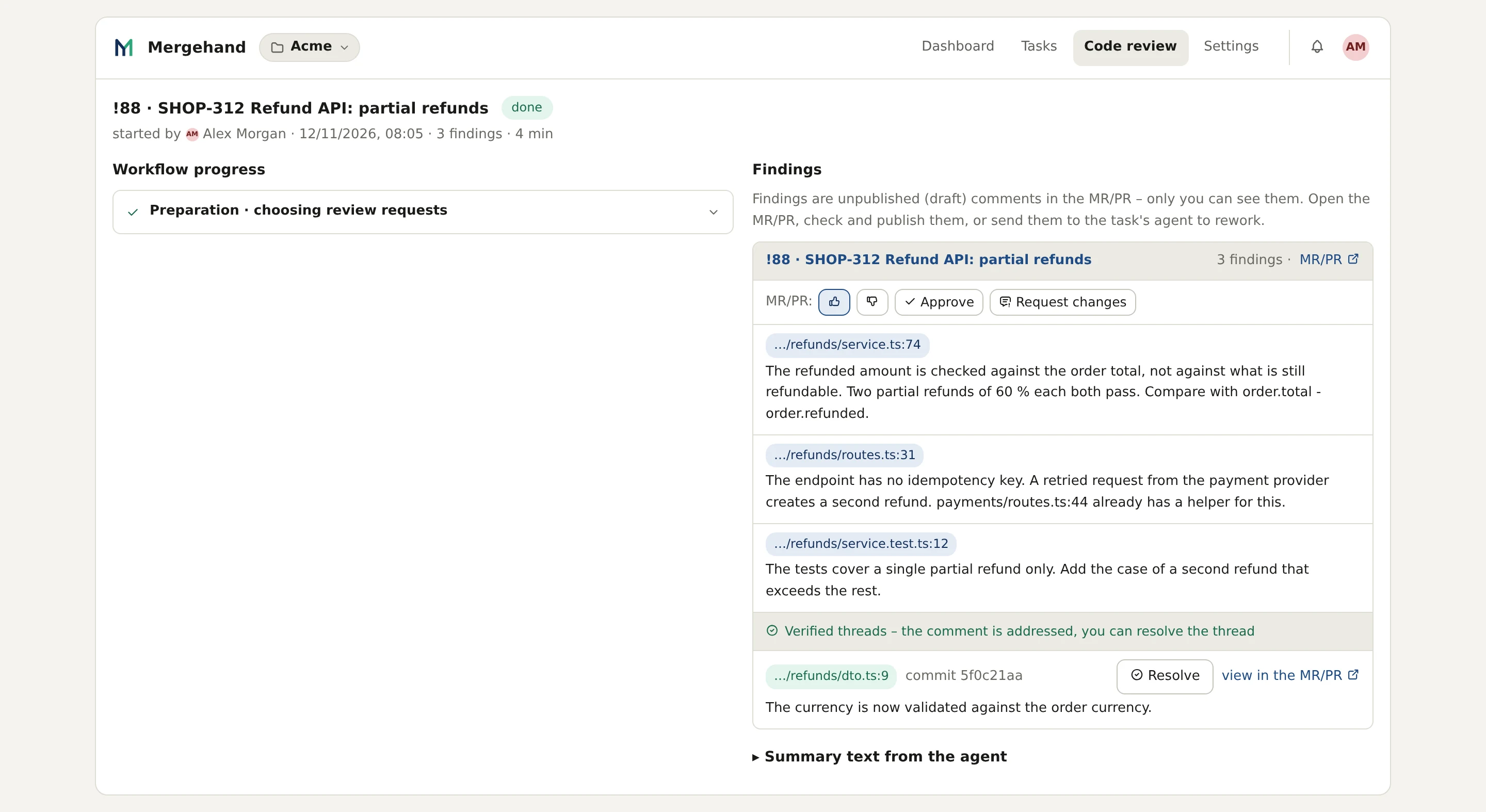
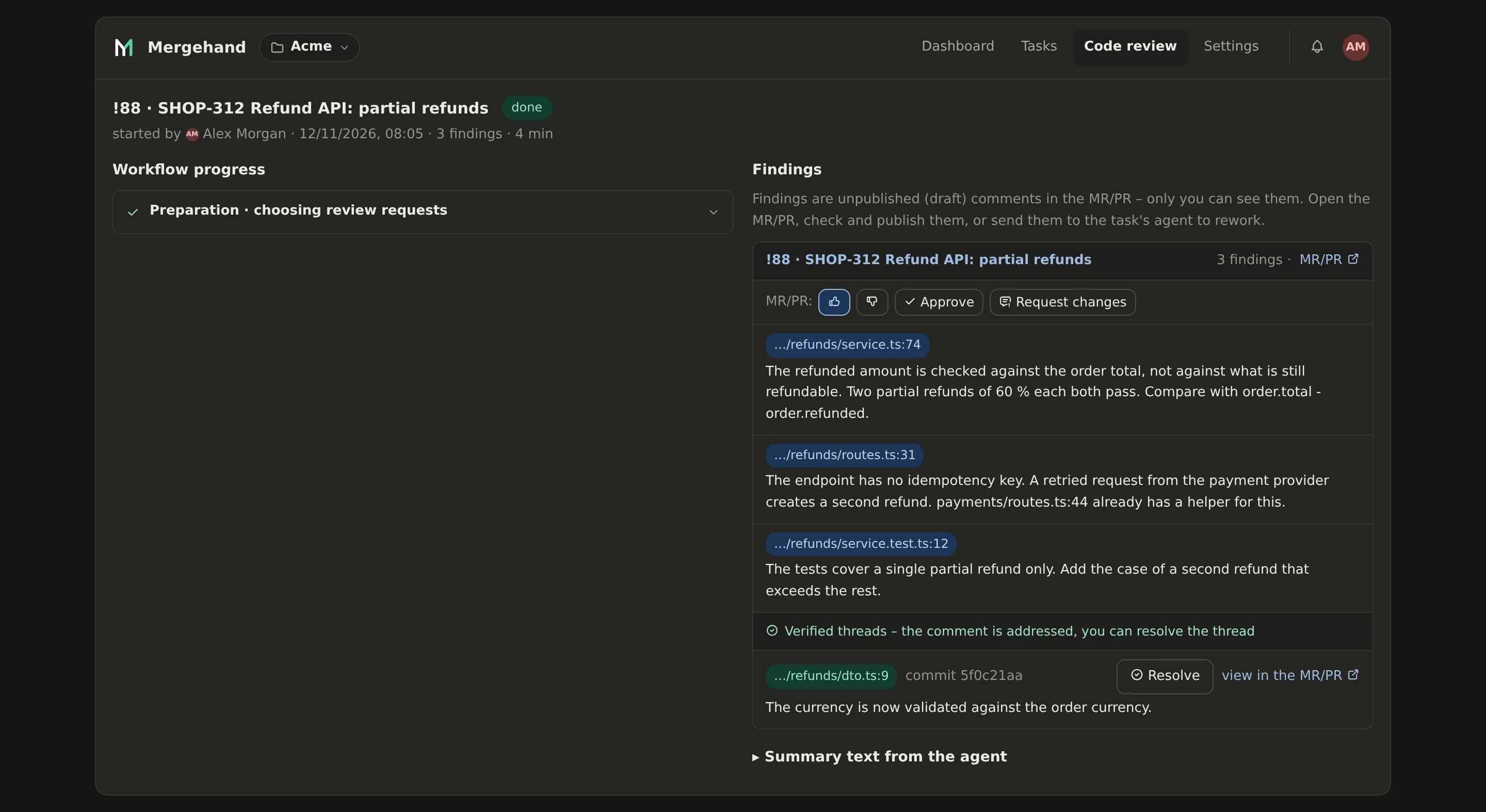
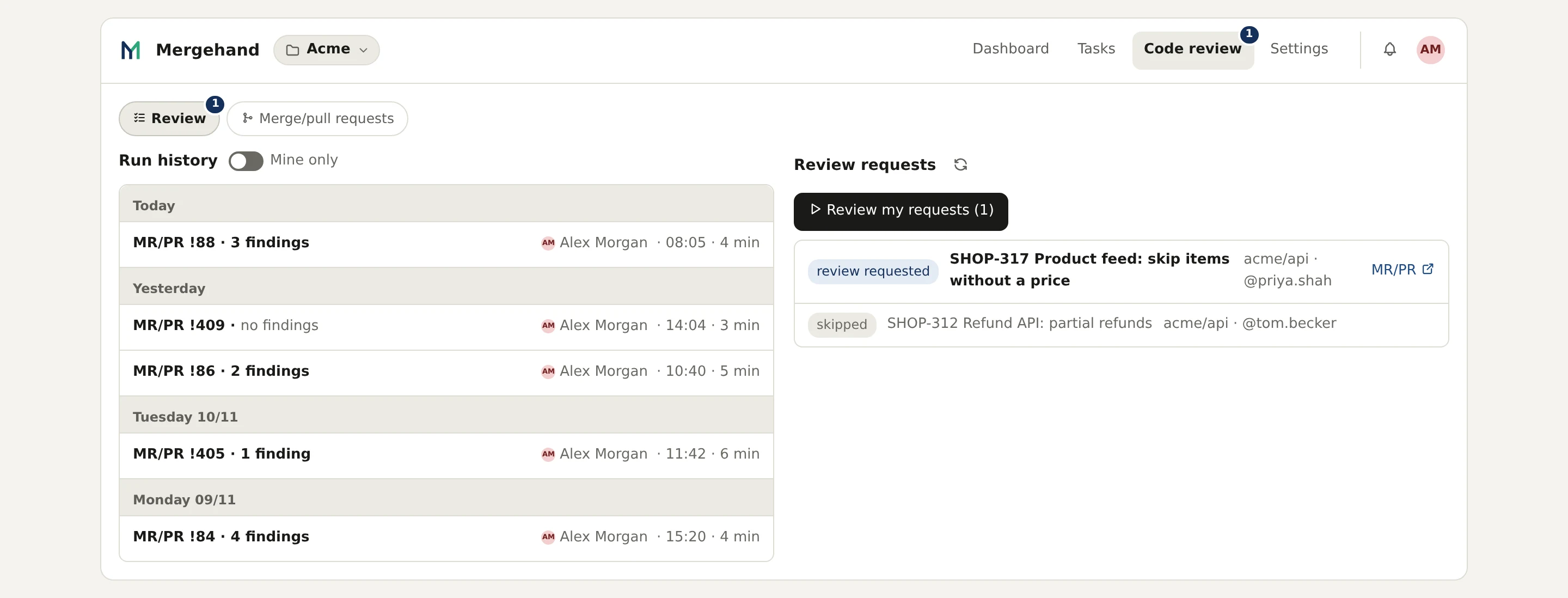
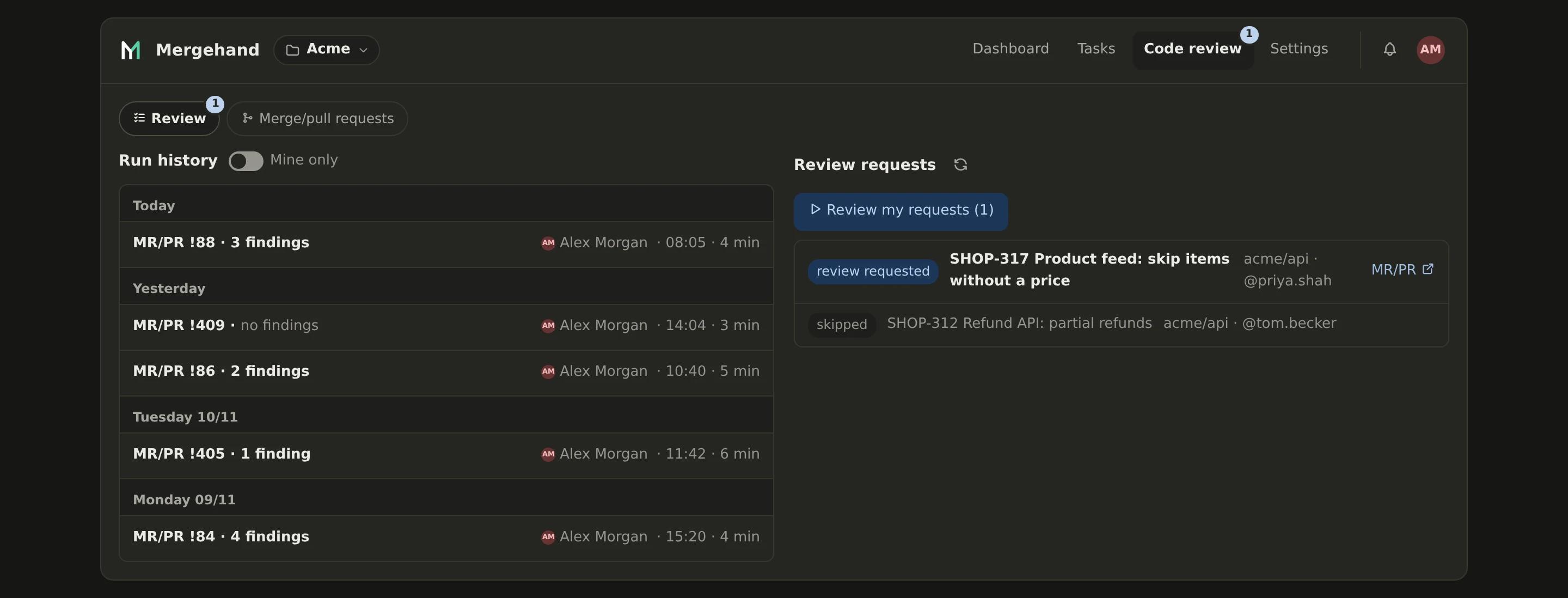
Mergehand also reviews merge requests that it did not write – the ones where your team asks you for a review. Findings are draft comments that only you can see. You edit them and publish them yourself.
What you are looking at
- The real application. The screens and recordings show the Mergehand app as you would use it, in the light and the dark theme.
- A demo project. The shop, its tickets, code and people are made up. No customer data is shown.
- Shortened waiting. In the recording, the minutes the agent works are skipped. The times in the timeline are in line with what we measured in real use – see the numbers from real use.